Maintenance
Cleaning in Cleaning Mode
This device features a Cleaning mode to enable efficient daily maintenance. Follow the on-screen instructions to complete all required steps.
-
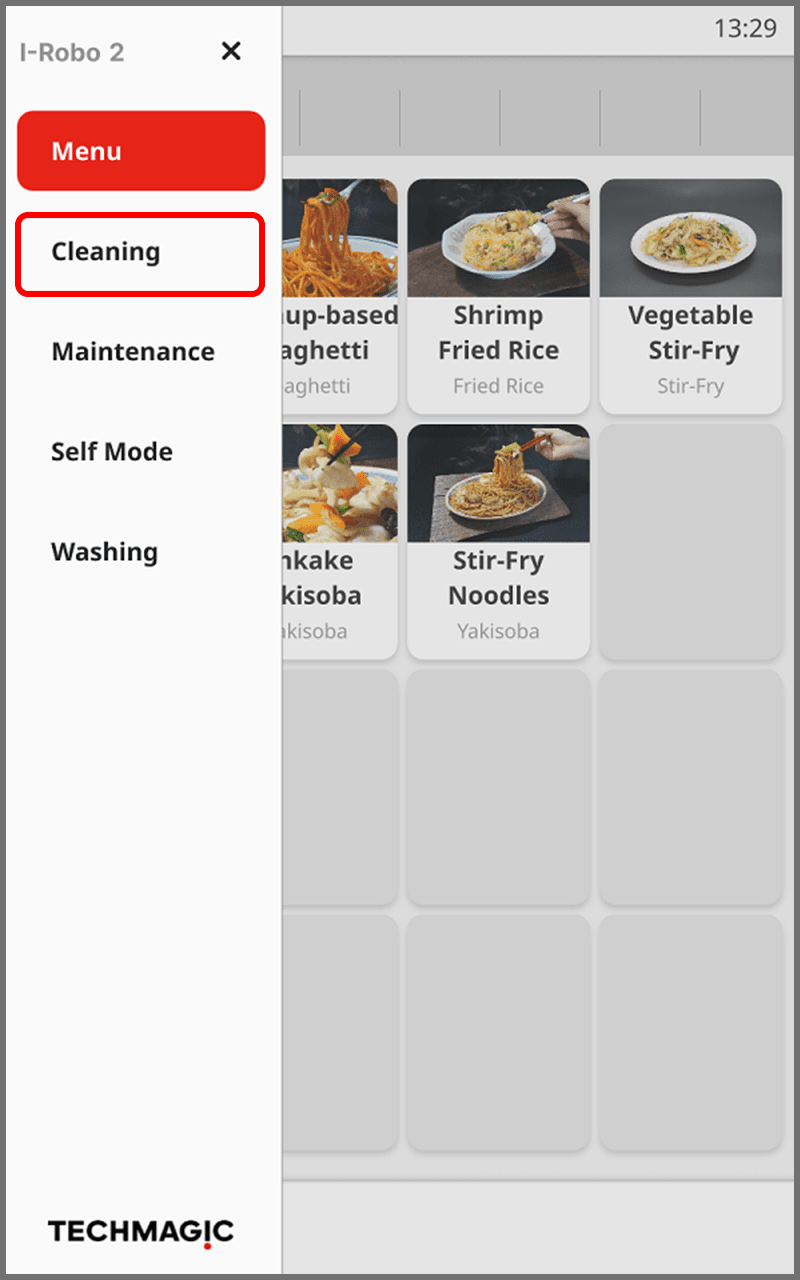
Touch
 to display the menu.
-
Touch [Cleaning].

When switching to Cleaning mode, the spatula automatically moves to the cleaning position. Do not move or touch the pot until it has completely moved from its cooking position.
There is a risk of injury. -
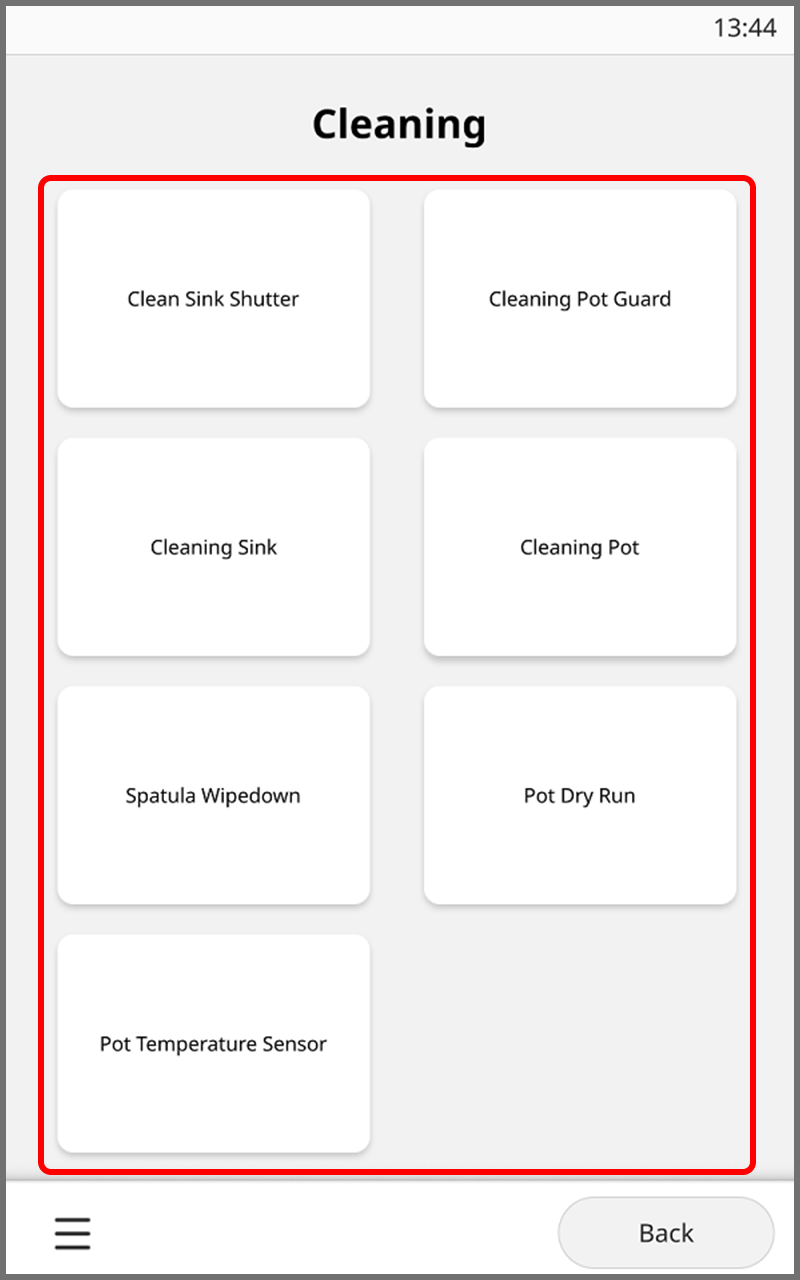
On the Cleaning mode screen, touch the area you want to clean.
Follow the on-screen instructions to perform cleaning.
For details on how to clean each area, refer to the following sections.- [Clean Sink Shutter]: Cleaning the Sink Shutter
- [Cleaning Pot Guard]: Cleaning the Pot Guard
- [Cleaning Sink]: Cleaning the Sink
- [Cleaning Pot], [Spatula Wipedown], [Pot Dry Run], [Pot Temperature Sensor]:
Cleaning the Pot
Spatula Wipedown
Pot Dry Run
Pot Temperature Sensor