Touch Panel Screen
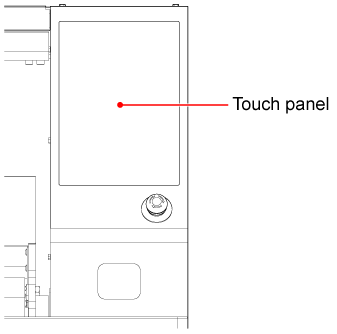
Touch Panel Operation
To use the touch panel correctly and safely, please check the following points before use.
NOTICE

- Avoid strong impacts
Do not subject the product to strong impacts, such as hitting it forcefully or making it collide with hard objects. - Avoid use of hard or sharp objects
Do not touch the panel with hard or sharp objects. Doing so may scratch and damage the surface. - Avoid excessive pressure
Do not hit or press hard on the panel surface.
To operate the touch panel, lightly touch the screen with your finger.

Tips
- The touch panel will not respond if you are using your fingertip nearest the nail or wearing gloves. Touch the screen lightly with the pad of your finger.
- If the touch panel responds in a different place than where you tapped, or does not respond at all, check that other fingers or the palm of your hand are not touching the panel.